
Top 10 Mokker AI alternatives
The best Mokker AI alternatives for image generation in 2026, ranked and compared on pricing, features and support.
Quick overview
Mokker AI
Uploads a single product photo and drops it into an AI-matched background from 100+ industry templates, with Product Replace to keep an entire line visually consistent. Compared to EcomEye, Mokker AI falls short on multi-platform product import.
EcomEye
EcomEye is how Google dropshippers scale their product creation process. Generate & export SEO optimised, copyright-safe product pages with AI images in bulk. Compared to Mokker AI, EcomEye shines with multi-platform product import.
Multi-platform product import
One-click Shopify export
Bulk import collections
Google Merchant Center ready
Quick comparison
| Feature | EcomEye | Mokker AI |
|---|---|---|
| AI images for €99 | 470 | Unlimited at the Team plan (~$87/mo) |
| Trustpilot rating | 4.8 | |
| Multi-platform product import | AliExpress, Amazon, Shopify (competitors), Temu | |
| One-click Shopify export |
1. EcomEye
EcomEye is how Google dropshippers scale their product creation process. Generate & export SEO optimised, copyright-safe product pages with AI images in bulk.
Key features
Image generation
Bulk page generation
Bulk image generation
Pros
Turns 30+ supplier links into live keyword-optimized SEO Shopify listings in minutes.
Template-based image and page generation to ensure consistency.
Built to replace your VAs.
Cons
Publishes to Shopify only; no native export to other storefront platforms yet
The higher quality makes EcomEye more expensive than most competitors.
2. AdCreative.ai
Turns a single product photo into a Product Photoshoot, Fashion Photoshoot, made for ads. It then scores its predicted ad performance before you spend budget on it.
Key features
Image generation
AI virtual model
AI ad creative generation
Pros
Specializes in high-quality ad creatives.
Real scale: 4M+ users and G2 Leader badges..
Cons
Expensive: $39-$999/month.
Manual generation of each image, one at a time.
Built for advertisers first: no Shopify export.
3. Higgsfield AI
Turns a single product photo into studio, lifestyle and on-model shots using 15+ frontier models like Nano Banana Pro, Seedream and GPT Image, shared with Higgsfield's video and ad-creative tools.
Key features
Image generation
Bulk image generation
AI virtual model
Pros
One subscription unlocks 15+ frontier image models, incl. Nano Banana Pro.
One photo becomes studio, lifestyle and on-model shots.
Built-in ad creative generation from a product URL.
Cons
Credits are shared with video and ad tools, and expire after 90 days.
No automatic bulk generation, no Shopify export.
No live chat, no public API.
4. Photoroom
Removes backgrounds, generates AI studio and lifestyle scenes, and batch-edits product photos for marketplaces, from a mobile app, web app or developer API.
Key features
Image generation
Bulk image generation
Variant image consistency
Pros
1,000+ templates plus one-click background removal, AI Backgrounds, Product Staging, Virtual Model and Ghost Mannequin.
A public API and native Shopify connectors.
A genuinely useful free-forever plan (250 exports/month) makes it easy to try before paying.
Cons
A 1.3/5 Trustpilot score across 190+ reviews, dominated by reports of surprise charges, hard-to-cancel subscriptions and refused refunds.
Edits one photo, or one manually-configured batch, at a time from an undisclosed AI-credit pool: no automatic catalog-wide generation or SEO page content the way EcomEye ships.
5. Claid AI
AI Photoshoot, AI Fashion Models and Smart Frame turn raw product photos into studio-quality lifestyle scenes, on-model shots and marketplace-ready crops, from a web app, REST API or Zapier.
Key features
Image generation
Bulk image generation
Variant image consistency
Pros
A well-documented REST API, webhooks and Zapier integration make it easy to wire image processing into an existing catalog pipeline.
8+ years of experience in the industry.
Cons
No automatic bulk generation across a catalog: batching needs an API or Zapier setup from the Pro plan up.
No Shopify export.
6. Artlist
Turns a text or reference-image prompt into an AI photo (or short video) using a rotating library of frontier models like Nano Banana Pro, Seedream and GPT Image, shared with Artlist's video, voiceover and music tools.
Key features
Image generation
All product types supported
Manual page editor
Pros
One subscription unlocks a constantly-updated library of frontier models.
Cheap use of all AI models.
Manual editor.
Cons
Not made for product photos.
No bulk generation.
No Shopify export.
7. Kive
Turns a product photo or product URL into studio shots, lifestyle scenes and short video using a large catalogue of category-curated presets, inside a shared team workspace.
Key features
Image generation
Bulk image generation
Multi-platform product import
Pros
Turns a single product photo or product URL into studio shots and lifestyle scenes.
Character Models and reusable custom presets keep a consistent look across a brand's shoots.
An MCP server lets AI agents create products, request studio recommendations and generate images directly.
Cons
A 2.8/5 Trustpilot score (13 reviews).
Manual activation of preset-based batch generation.
No native Shopify export, photos are downloaded and re-uploaded by hand.
8. Flair.ai
Places a product cutout onto a drag-and-drop canvas of AI-generated scenes and props, and fits apparel or jewelry onto AI human models, from a web app or API.
Key features
Image generation
Bulk image generation
Custom model training
Pros
A drag-and-drop canvas with real control over props, lighting angle and background material.
A custom-model trainer for on-model fashion and jewelry shots with patterns and logos preserved.
Cons
No bulk import and export possibilities for entire catalogs.
No one-click Shopify export, and commercial usage rights only start on the $26/mo Pro+ plan - the Free and $8 Pro tiers can't legally be used on a live store or in ads.
9. Pebblely
Removes the background from a product photo and drops it into an AI-generated theme, lifestyle scene or model shot, with bulk generation for small batches.
Key features
Image generation
Bulk image generation
Variant image consistency
Pros
100+ ready-made theme backgrounds plus custom prompts.
A public REST API for teams that want to plug image generation into their own workflows.
Cons
No free plan on the current pricing page, and no refunds once a single image is generated.
Bulk generation tops out at 25 manually-selected products per batch.
Human models are unreliable.
10. ProductAI
Turns a single product photo into template-based studio shots, hand-held product placements and short Veo-powered video ads, with a developer API for automated pipelines.
Key features
Image generation
Bulk image generation
One-click Shopify export
Pros
100+ templates across 9 categories.
Export straight to Shopify and WooCommerce.
Cons
Templates are applied per product or per manually-grouped batch, not automatically across a whole catalog.
Credit costs vary by action with no pay-as-you-go option.
Ready to boost your product pages?
Generate high-converting, SEO-optimized product pages in bulk using AI automation used by e-commerce experts.
No credit card required
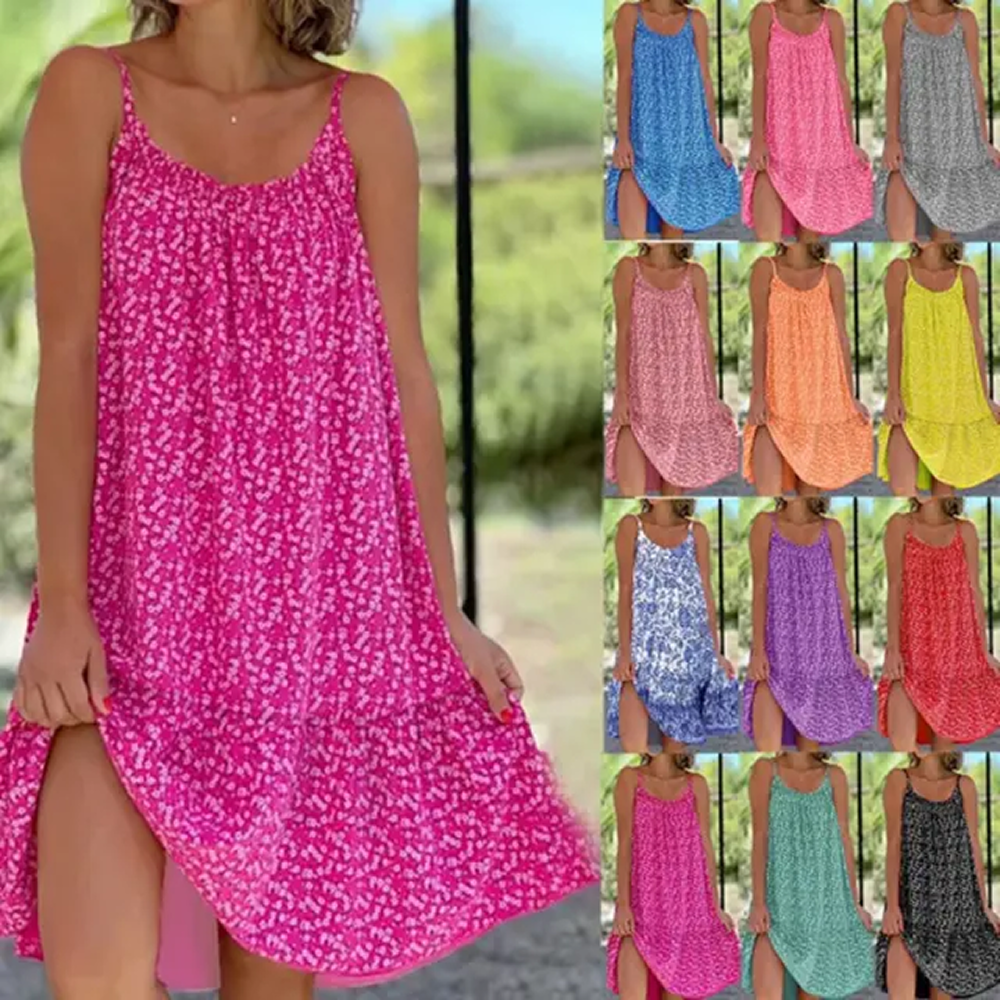
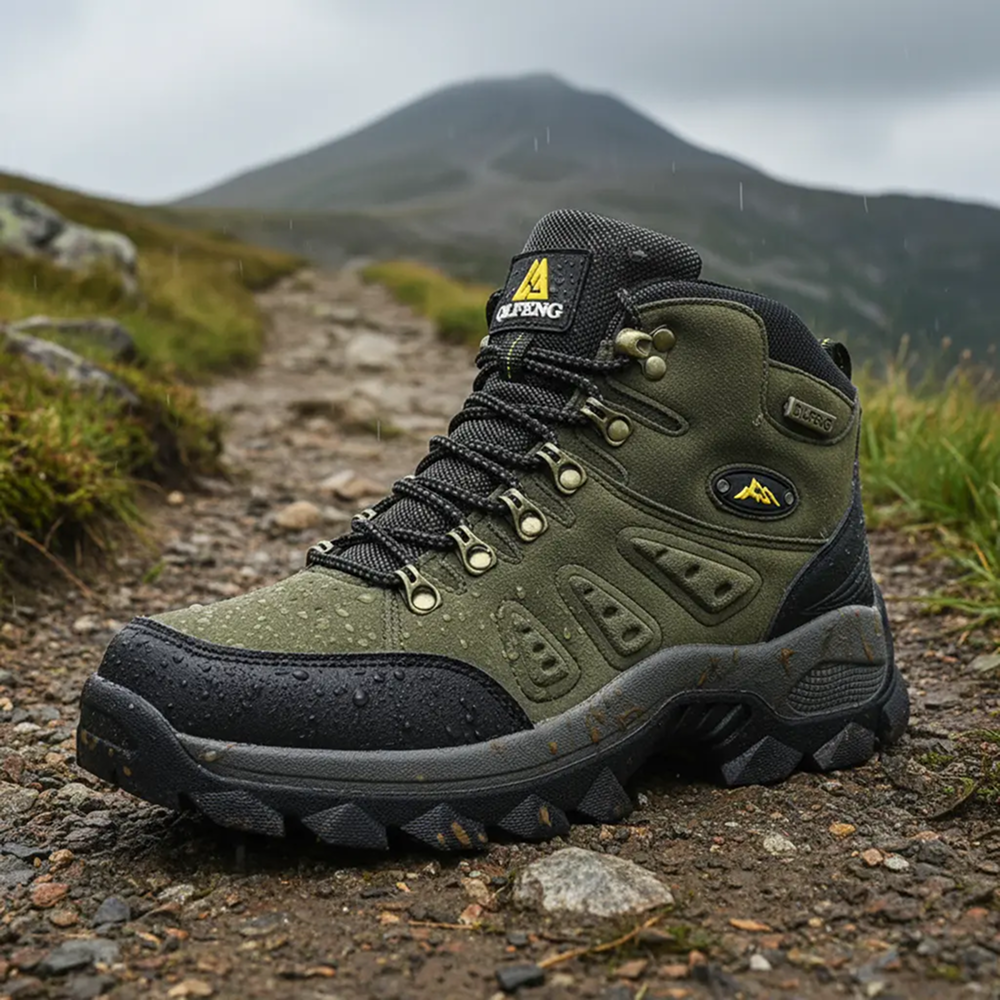
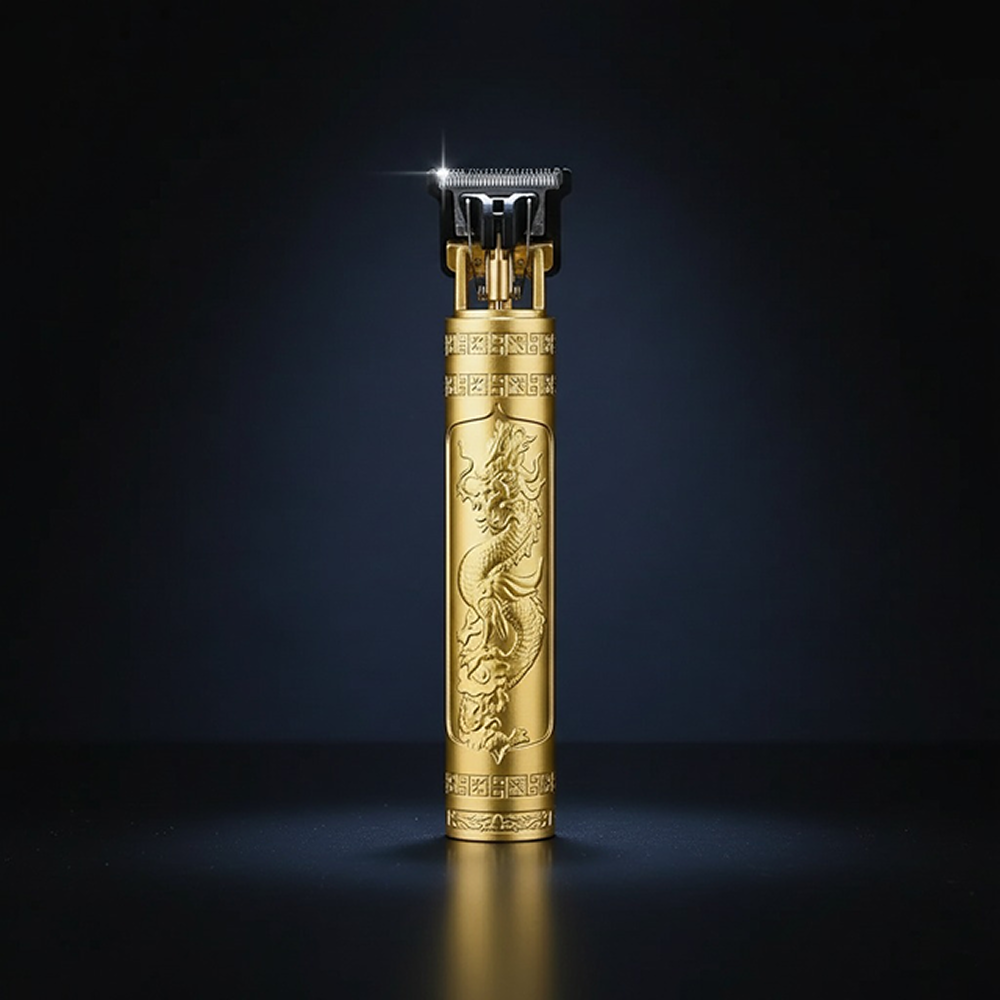
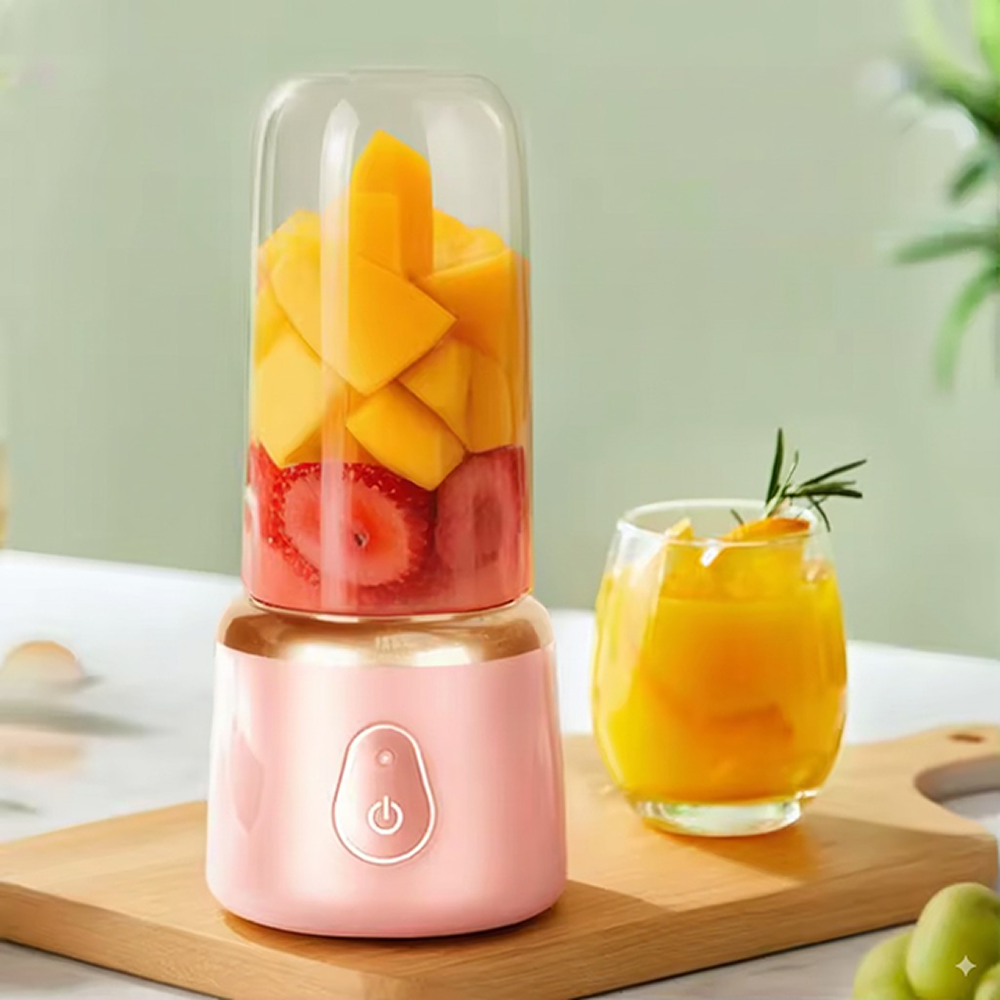
Automate product image generation
No prompts needed. All product types turn into beautiful, converting product images.



No credit card required
Generate your first product pages for free
Turn one product link into Shopify-ready copy and AI product images. See the result before you pay.
No credit card required