Canonical tags in ecommerce: a practical SEO guide
Discover the vital role of canonical tags in ecommerce. Boost your SEO by managing duplicate content effectively with our practical guide!

Canonical tags in ecommerce: a practical SEO guide

TL;DR:
- Canonical tags consolidate ranking signals on ecommerce sites by pointing search engines to preferred URLs, preventing duplicate content issues. Their effectiveness depends on consistent internal linking, sitemaps, and redirect signals, as Google treats them as strong hints rather than commands. Regular audits using Google Search Console and structured implementation are essential for maintaining canonical integrity and optimizing search visibility.
Canonical tags are the HTML signals that tell search engines which URL is the preferred version of a page, consolidating ranking signals and preventing duplicate content from diluting your search visibility. The role of canonical tags in ecommerce is more consequential than on most other site types, because platforms like Shopify and Magento routinely generate dozens of URL variants for a single product through filters, sorting parameters, and session tokens. Without a deliberate canonicalisation strategy, Google splits your hard-earned PageRank across those variants instead of concentrating it on the URL you actually want to rank. Tools like Google Search Console make it straightforward to audit whether your declared canonicals are being respected, but the strategy behind them requires careful thought.
How do canonical tags work to manage duplicate content in ecommerce?
A canonical tag is a "element placed in the` of a page, pointing to the URL you want indexed. Canonical tags consolidate ranking signals from multiple URL variants to one preferred URL, which means PageRank that would otherwise be scattered across parameter-laden addresses flows to your target page instead. For a product page with 40 filter combinations, that consolidation is the difference between a page that ranks and one that floats in obscurity.

Google treats canonical tags as strong hints, not absolute directives, and it may select a different canonical if your site sends conflicting signals. If your internal links point to a parameter URL while your canonical points to the clean version, Google notices the contradiction and may override your declaration. This is why canonical tags never work in isolation.
Self-referencing canonicals are the baseline defensive tactic every ecommerce URL should carry. A self-referencing canonical reduces URL ambiguity caused by protocol differences, trailing slashes, or minor parameter variants that accumulate silently over time. Even a URL you consider unique and canonical should declare itself as such explicitly.
Canonical tags also interact directly with your internal linking structure, XML sitemaps, and redirect chains. All three signals must point consistently to the same preferred URL for Google to honour your canonical declaration. Google Search Console’s URL Inspection tool shows you both the user-declared canonical and the Google-selected canonical side by side, making it the fastest way to spot where your signals diverge.
Pro Tip: When you inspect a URL in Google Search Console and the Google-selected canonical differs from your declared one, do not just fix the tag. Audit your internal links and sitemap entries for that URL first, because the tag alone will not override a pattern of conflicting signals.
What are the key canonical tag strategies for common ecommerce URL structures?
Ecommerce sites face three recurring URL challenges: product variants, faceted navigation, and pagination. Each requires a distinct approach.
Product variants
When a product comes in multiple colours or sizes, you typically generate separate URLs such as /trainers-red and /trainers-blue. The standard approach is to canonical both variants to the base product URL (/trainers), consolidating all ranking signals to one page. However, if a specific variant targets a distinct search query with meaningful volume, such as “red leather trainers,” that variant can carry a self-referencing canonical and be treated as an independently indexed page. The decision hinges on whether the variant has genuine keyword differentiation, not just a parameter change.
Faceted navigation
Faceted navigation is the single largest source of index bloat in ecommerce. A category page for “running shoes” can spawn hundreds of filtered URLs combining brand, size, colour, and price. The standard rule is to canonical filtered URLs back to the base category page. The exception is a high-demand filter combination, such as “women’s trail running shoes under £100,” which may justify its own indexed page with a self-referencing canonical. For everything else, canonical to the base and consider pairing that with noindex or crawl controls to protect your crawl budget.
Pagination
Pagination is where ecommerce teams make the most damaging canonical mistake. Canonicalising paginated pages to page 1 causes Google to treat pages 2, 3, and beyond as duplicates of the first page, deindexing them entirely. Each paginated page should carry a self-referencing canonical so it remains discoverable. This matters for taxonomy design because products listed only on page 3 of a category will vanish from search if that page is incorrectly canonicalised away.
UTM and tracking parameters
UTM parameters appended by email campaigns or affiliate links create additional URL variants. Self-referencing canonicals on your clean URLs handle this automatically, as long as the parameter-laden version is never the URL you link to internally.
| URL type | Recommended canonical approach |
|---|---|
| Product variant (minor, e.g. colour) | Canonical to base product URL |
| Product variant (distinct keyword value) | Self-referencing canonical, index independently |
| Filtered category URL (low demand) | Canonical to base category URL |
| Filtered category URL (high demand) | Self-referencing canonical, index independently |
| Paginated category page | Self-referencing canonical on each page |
| UTM or session parameter URL | Self-referencing canonical on the clean URL |
Pro Tip: Never add paginated URLs to your XML sitemap with a canonical pointing to page 1. The sitemap signals to Google that the page deserves crawling, while the canonical tells it to ignore the page. That contradiction wastes crawl budget and confuses Googlebot.
What common errors occur in ecommerce canonical tag implementations?
Canonical errors are among the most common and least visible SEO problems in ecommerce. They rarely trigger an obvious ranking drop; instead, they cause a slow, steady erosion of visibility that is hard to attribute without a proper audit.
The most damaging errors are:
- Canonicals pointing to noindex URLs. If your canonical target carries a noindex directive, Google cannot index either page. The canonical consolidates signals to a URL that is explicitly excluded from the index. This often happens after site migrations when noindex tags are left on pages that were previously staging versions.
- Canonical chains. Page A canonicals to page B, which canonicals to page C. Google may follow the chain or may not. Either way, the signal dilutes. Every canonical should point directly to the final preferred URL.
- Canonical loops. Page A canonicals to page B, which canonicals back to page A. This is a crawl efficiency problem and a ranking signal problem simultaneously.
- Canonicals pointing to redirected URLs. If your canonical target returns a 301 redirect, Google follows the redirect but the canonical signal weakens. Always point canonicals to the live, final destination URL.
- Over-canonicalising pagination. As covered above, pointing all paginated pages to page 1 is a significant SEO visibility loss that compounds over time as your catalogue grows.
- Missing self-referencing canonicals. Pages without any canonical declaration are vulnerable to Google selecting a different canonical based on other signals. A page you consider unique can still be treated as a duplicate if a parameter variant accumulates more internal links.
Canonical tags also do not replace crawl controls like robots.txt or noindex for managing crawl budget. If you have thousands of low-value filter URLs, canonical tags alone will not stop Googlebot from crawling them. You need layered controls. The canonical handles ranking signal consolidation; robots.txt or noindex handles crawl access.
How to effectively audit and maintain canonical tags in ecommerce sites?
Canonical auditing is not a one-time task. Ecommerce sites change constantly through new product launches, platform updates, and marketing campaigns, each of which can introduce new URL variants or break existing canonical declarations.
A structured audit follows these steps:
- Run URL Inspection in Google Search Console on your highest-priority product and category pages. Compare the user-declared canonical against the Google-selected canonical. Any mismatch is a signal conflict that needs investigation.
- Audit your XML sitemap to confirm it contains only canonical URLs. If your sitemap includes parameter variants or paginated pages with incorrect canonicals, remove them.
- Check internal linking patterns using a crawl tool such as Screaming Frog or Sitebulb. Internal links pointing to non-canonical URLs undermine your canonical declarations even when the tags themselves are correct.
- Identify canonical chains and loops by mapping the canonical targets of your canonical targets. Any chain longer than one hop needs flattening.
- Verify redirect chains do not intersect with canonical targets. A canonical pointing to a URL that redirects is a signal conflict waiting to cause a mismatch in Search Console.
- Cross-reference with your ecommerce data hygiene processes to catch parameter pollution introduced by tracking systems, A/B testing tools, or affiliate platforms.
Pro Tip: Build canonical checks into your site migration and platform update workflows before go-live, not after. Migrations are the single most common cause of mass canonical errors in ecommerce, and catching them post-launch means weeks of ranking recovery.
Maintaining canonical integrity also means monitoring SEO trends in 2026 as search engines refine how they interpret canonicalisation signals alongside AI-driven indexing changes.
Key takeaways
Canonical tags work in ecommerce by consolidating ranking signals to a preferred URL, but only when internal links, sitemaps, and redirects all point consistently to the same destination.
| Point | Details |
|---|---|
| Canonical tags as hints | Google may override your declared canonical if other site signals contradict it. |
| Self-referencing canonicals | Every URL, including unique ones, should declare itself canonical to prevent ambiguity. |
| Pagination rule | Each paginated page needs a self-referencing canonical; never canonical to page 1. |
| Faceted navigation | Canonical low-demand filter URLs to the base category; index high-demand filters independently. |
| Audit continuously | Use Google Search Console URL Inspection after every major site change to catch mismatches early. |
Why canonical tags deserve more respect than most ecommerce teams give them
I have reviewed canonical setups across dozens of ecommerce sites, and the pattern is almost always the same. The tags were implemented correctly at launch, then quietly broken by a platform update, a new marketing parameter, or a well-meaning developer who added a canonical to a staging noindex page and forgot to update it after go-live. The damage accumulates invisibly for months.
What I find most underappreciated is the relationship between canonical tags and internal linking. Teams spend hours debating which URL to canonical and then link internally to the wrong version throughout the site. Google sees hundreds of internal links pointing to /product?colour=red and a canonical tag pointing to /product. The tag loses. Internal linking is the stronger signal in practice, and most audits I run confirm this.
The other thing I would push back on is the idea that canonical tags are purely a technical concern. They are a content architecture decision. Choosing whether a product variant deserves its own canonical or should consolidate to the base product is a question about search intent, keyword differentiation, and how you want your catalogue to be understood by Google. That decision belongs in a conversation between your SEO team and your merchandising team, not just in a developer’s sprint ticket.
If you are running a Shopify store with more than a few hundred products, the importance of product page uniqueness compounds every canonical decision you make. Unique, well-structured pages give your canonicals something worth consolidating signals towards.
— Koen
How Ecom-eye helps you build a clean canonical foundation
Managing canonical tags at scale starts with having product pages that are genuinely distinct and SEO-ready from the moment they go live.
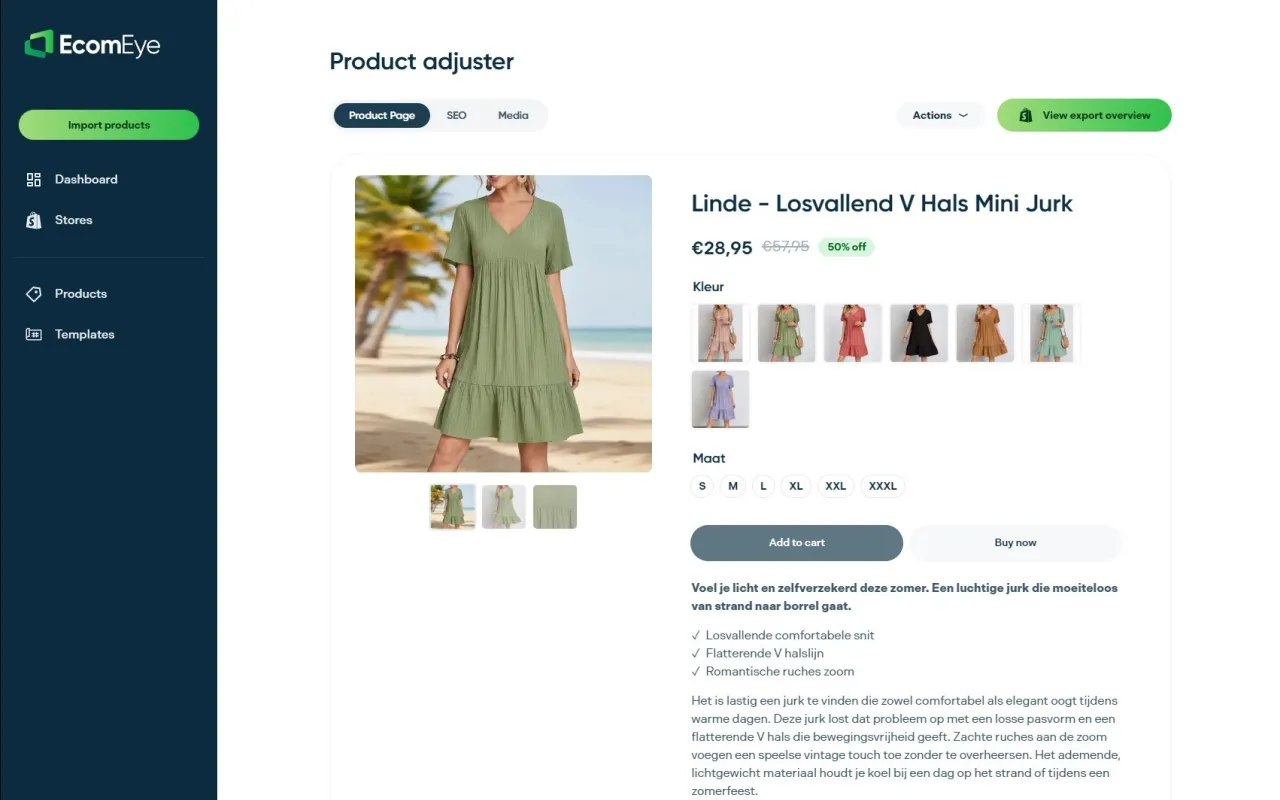
Ecom-eye is a bulk AI product lister built for Shopify dropshipping stores. It generates unique, copyright-safe product titles, descriptions, and metadata in bulk from AliExpress or competitor links, so every page you publish has original content that supports a clean canonical structure rather than fighting against it. When your product pages are unique by default, you eliminate the duplicate content problem at its source rather than patching it with tags after the fact. Export directly to Shopify in one click and start with a canonical setup that actually holds. Start with Ecom-eye and give your canonical strategy a solid base to build on.
FAQ
What is the role of canonical tags in ecommerce?
Canonical tags specify the preferred URL version of a page to search engines, consolidating ranking signals from duplicate or variant URLs to one target. In ecommerce, they are used to manage product variants, filter pages, and pagination without splitting PageRank across dozens of near-identical addresses.
Does Google always follow the canonical tag I declare?
No. Google treats canonical tags as strong hints rather than commands and will override your declaration if internal links, sitemaps, or redirects consistently point to a different URL.
Should every paginated category page have a canonical tag?
Yes. Each paginated page should carry a self-referencing canonical. Pointing all paginated pages to page 1 causes Google to treat them as duplicates and deindex them, removing products listed on those pages from search results.
Can canonical tags replace noindex for managing crawl budget?
No. Canonical tags consolidate ranking signals but do not prevent crawling. For low-value filter or parameter URLs, use canonical tags alongside noindex or robots.txt directives to control both signal consolidation and crawl access.
How do I know if Google is ignoring my canonical tags?
Use Google Search Console’s URL Inspection tool to compare your user-declared canonical against the Google-selected canonical. A mismatch means Google has found conflicting signals elsewhere on your site, typically in internal links, sitemaps, or redirect chains.
Ready to boost your product pages?
Generate high-converting, SEO-optimized product pages in bulk using AI automation used by e-commerce experts.
No credit card required