2026 GTIN enforcement: Google Merchant exemptions for Shopify sellers
Know when Google Merchant allows GTIN exemptions. Includes Shopify feed snippets (identifier_exists=false + MPN), brand verification tips, and the 2026...

2026 GTIN enforcement: Google Merchant exemptions for Shopify sellers

You can list a product without a GTIN only when it genuinely lacks a manufacturer-assigned identifier, and you must declare that with identifier_exists=false plus a verified brand and a unique MPN. This exemption applies narrowly, to items such as handmade goods, custom builds, vintage pieces and some perishables. Misuse it on a normal branded product and you risk disapprovals or a policy strike on your account.
TL;DR:
- Products that genuinely lack manufacturer-assigned GTINs, such as handmade, vintage, custom builds, or certain perishables, can be listed with an exemption, but only with proper declaration.
- Misusing the exemption on branded products with existing barcodes risks disapproval or account policy strikes, as Google cross-references claims against various records and images.
- When claiming an exemption, you must set identifier_exists to false and provide a verified brand and a unique MPN for each product, ensuring full data accuracy and consistency.
- Most GTIN-related issues stem from data inconsistencies or duplicate entries; using automated tools to generate unique titles, descriptions, and images reduces errors.
- From 2026 onward, Google’s increased cross-referencing makes obtaining legitimate GTINs through GS1 more important for scalable, high-volume sellers.
Table of Contents
- What GTIN means and why Google asks for it
- Which products can legitimately claim an exemption
- How to declare a GTIN exemption in your feed
- Common identifier errors and how to fix them
- Brand verification and MPN rules that speed up approval
- A practical checklist for Shopify sellers
- How 2026 enforcement changed the calculus
- Fewer identifier errors on every listing you push live
- Official docs and validation tools
- Sources
- FAQ
What GTIN means and why Google asks for it
A GTIN, or Global Trade Item Number, is the barcode-based identifier that manufacturers assign to a product so retailers, marketplaces and search engines can all refer to the same item consistently. Google uses the GTIN attribute to match your listing against its product catalogue, pull in extra details like reviews and pricing comparisons, and confirm the item is what you say it is.
GTIN, MPN and brand are not interchangeable, even though merchants often treat them that way:
- GTIN: the manufacturer-issued barcode number (UPC, EAN, ISBN or JAN), used when one exists.
- MPN: the manufacturer part number, used alongside brand when there is genuinely no GTIN.
- Brand: the maker’s name, required in almost every case, including exemptions.
Getting these three attributes right affects more than a warning label in Merchant Center. Products with missing or invalid identifiers are commonly excluded from certain Shopping placements, which cuts your reach before a shopper ever sees the listing.
Which products can legitimately claim an exemption
An exemption is only valid when the product genuinely has no manufacturer-assigned GTIN, not when a merchant would simply prefer to skip the paperwork. Google’s own guidance on the identifier_exists attribute sets out narrow, specific cases:
- Handmade or one-off items: a single crocheted blanket or a bespoke piece of jewellery with no barcode.
- Custom-built goods: furniture or equipment made to a buyer’s specification.
- Vintage and antique items: products predating universal barcode adoption.
- Certain perishables: fresh produce or bakery items sold without retail packaging.
What does not qualify: a blanket exemption applied across an entire store, or private-label products that already carry a manufacturer GTIN on the packaging even if you rebrand the listing. Google cross-references your claim against other sellers’ feeds, GS1 registries and image matching, so a product that clearly has a barcode elsewhere will be flagged even if your own feed omits it.
How to declare a GTIN exemption in your feed
Once you have confirmed a product genuinely qualifies, the declaration itself is a handful of attributes done correctly.
- Set
identifier_existstono(orfalse, depending on your feed format) only for the specific SKU that lacks a GTIN. - Include
brandand a uniquempnfor that same item; these are not optional companions, they are what Google checks against. - Keep
condition,price,availability,linkandimage_linkcomplete and accurate, since a partial feed on an exempted item raises extra scrutiny. - For Shopify, map your product SKU to the
g:mpnfield in your feed export template so every variant gets a distinct value rather than one shared code.
An XML feed item looks like this:
<g:identifier_exists>no</g:identifier_exists>
<g:brand>Studio Aldric</g:brand>
<g:mpn>SA-CHAIR-OAK-001</g:mpn>
The equivalent CSV columns are identifier_exists, brand and mpn, populated the same way, one row per variant.
Google’s review of a resubmitted product typically runs within the standard feed processing cycle, though items flagged for manual checks can take longer, so submit a small test batch before pushing your full catalogue through.
Common identifier errors and how to fix them
Three warnings account for most GTIN-related headaches in Merchant Center, and each has a distinct fix.
- “Missing GTIN, product has a GTIN”: Google’s systems believe the product carries a manufacturer barcode even though your feed omits it. Supply the correct GTIN and remove any
identifier_exists=falseflag on that item. - “Invalid GTIN”: the number submitted fails structural validation, often from a transposed digit or wrong barcode type. Run it through the GS1 check-digit calculator before resubmitting.
- “Incorrect product identifier, identifier_exists should be false”: the reverse case, where a GTIN was submitted but doesn’t match records, or evidence points to a genuine no-identifier product. Google’s guidance on fixing incorrect identifiers recommends correcting the mismatch or switching to a properly supported exemption.
For disapproved items, correct the underlying attribute, resubmit the feed and monitor the diagnostics tab in Merchant Center rather than requesting a manual review immediately, since most fixes clear automatically on the next crawl.
Pro Tip: Run every GTIN through a check-digit validator before it ever reaches your feed, not after Merchant Center rejects it.
Brand verification and MPN rules that speed up approval
Brand verification in Merchant Center confirms you are authorised to sell under that brand name, and Google leans on this heavily when deciding whether to trust an exemption claim rather than flag it for review.
- Verify your brand and business information in Merchant Center settings before submitting any exempted products.
- Give every variant its own MPN using a consistent format, such as a category prefix followed by a sequential code, and never reuse a placeholder like “N/A” or “0000” across multiple items.
- Keep titles, images and structured data (including
schema.orggtin13 markup where relevant) aligned with the feed values, since mismatches between your site and your feed trigger the same scrutiny as a bad identifier.
Pro Tip: A generic MPN repeated across dozens of SKUs reads to Google exactly like a missing identifier, even when the field is technically populated.
A practical checklist for Shopify sellers
Before submitting anything, run through a short sequence: verify your brand in Merchant Center, confirm identifier_exists=false only where the product genuinely has no GTIN, generate a unique MPN per variant, fill every companion attribute, and test with a small batch of SKUs before a full catalogue push.
On Shopify specifically:
- Map SKU to MPN directly in your feed export template rather than editing values by hand each time.
- Keep one feed template across the store so attribute formatting stays consistent.
- Avoid copying competitor product descriptions, since duplicated or misleading copy adds a misrepresentation risk on top of any identifier issue.
The platform generates unique product titles, descriptions and images per listing during bulk import, which removes much of the manual copying and inconsistent labelling that causes these errors in the first place.
How 2026 enforcement changed the calculus
Google tightened cross-referencing on exemption claims through 2026, checking submissions against other sellers’ feeds and GS1 records more aggressively, and blanket exemptions now draw far more manual scrutiny than before, according to practitioner reporting on the shift. For merchants selling any volume of similar products, obtaining legitimate GTINs through GS1 is often the steadier long-term route rather than repeatedly defending brand and MPN combinations at scale. Custom or one-off sellers can reasonably stay on the exemption path, provided verification and MPN hygiene are solid before submission.
— Koen
Fewer identifier errors on every listing you push live
Most GTIN disapprovals trace back to messy, duplicated or inconsistent product data rather than a genuinely missing barcode, and that is the exact problem this platform is built to solve. It generates unique, SEO-optimised titles, descriptions and images in bulk when you import product data, then exports straight to Shopify with consistent formatting across every listing.
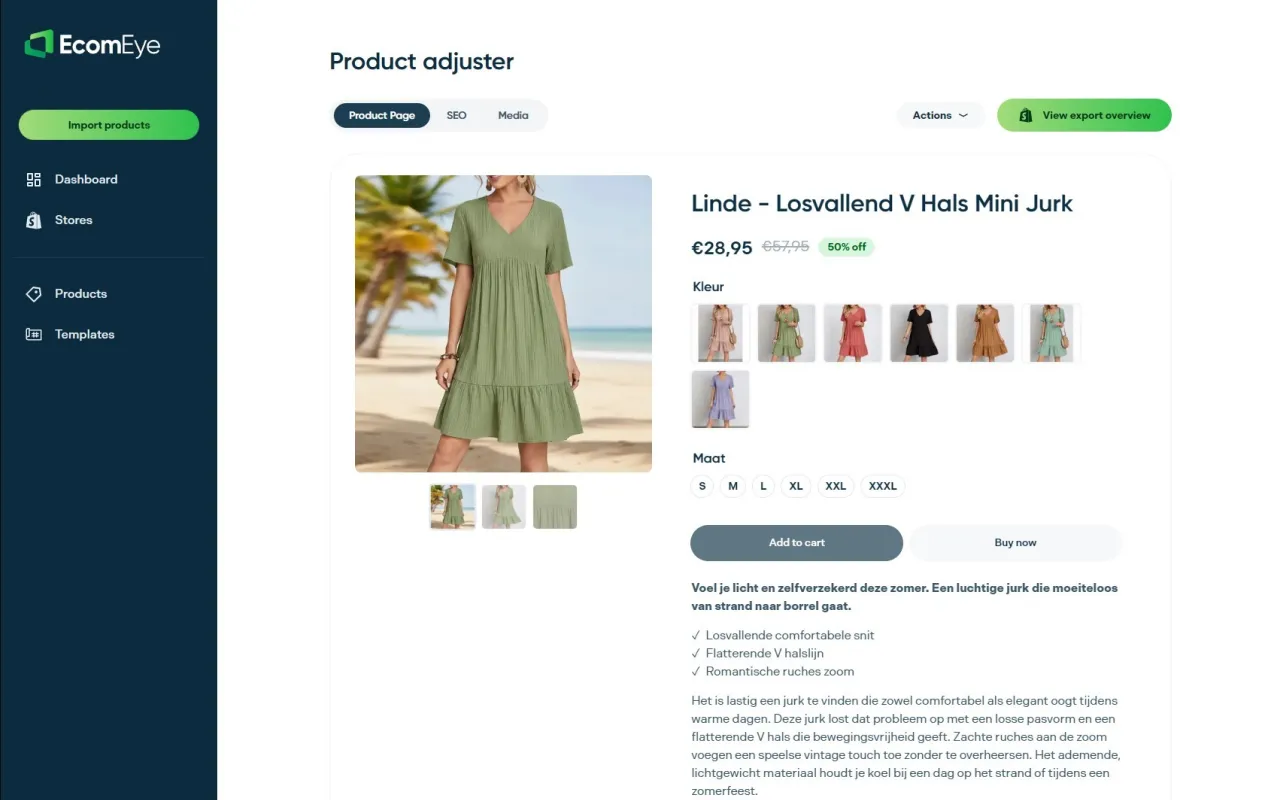
- Bulk-generate unique product pages instead of copying supplier listings that trigger duplicate-content and misrepresentation flags.
- Keep brand and description fields consistent across your catalogue, which supports the MPN hygiene Merchant Center rewards.
- Use the AI product image generator and AI product description generator for compliant, catalogue-ready assets.
None of this replaces a genuine GTIN when your product has one. If you are reselling branded stock with existing barcodes, you still need those numbers; The platform’s job is making the surrounding listing clean enough that Merchant Center has no other reason to flag it. Check the Try-out and Scaler plans to see which fits your catalogue size.
Official docs and validation tools
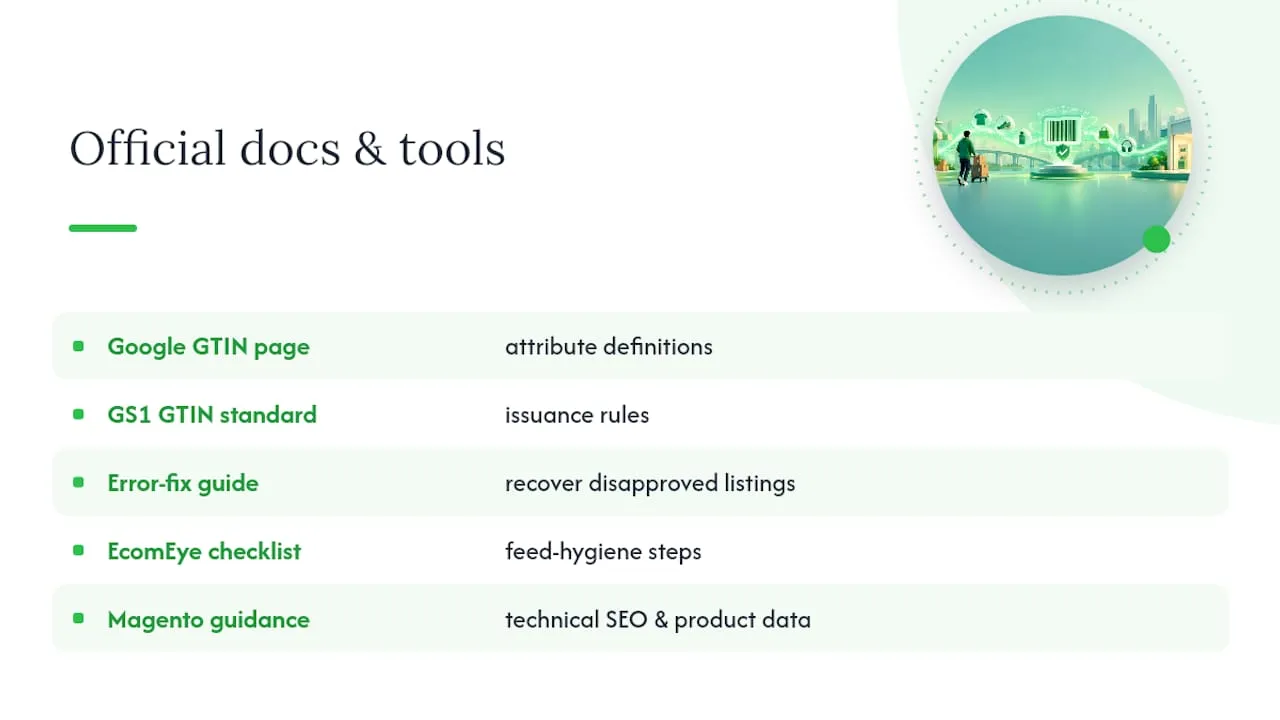
Use Google’s GTIN attribute page for definitions, the GS1 GTIN standard for issuance rules, and the error-fix guide for recovering disapproved listings. For deeper feed hygiene steps, EcomEye’s unique identifier compliance checklist and guidance for Magento sellers on technical SEO and product data cover platform-specific setup.
Sources
- Identifier exists identifier_exists - Google Merchant Center Help
- How to fix: Incorrect product identifier - Google Merchant Center Help
- GS1 check-digit calculator
- GTIN (GS1)
FAQ
What is GTIN exempt?
A GTIN-exempt product is one that genuinely has no manufacturer-assigned barcode, declared in your feed using identifier_exists=false alongside brand and MPN. It applies to items like handmade goods, custom builds, vintage pieces and some unpackaged perishables, not to branded products you simply haven’t looked up.
Can two products have the same GTIN?
No, a GTIN is meant to uniquely identify one specific product, so reusing the same number across different listings causes mismatches and can trigger Merchant Center disapprovals. Each distinct product or variant needs its own identifier.
Can GTIN and UPC be the same?
A UPC is one specific format of GTIN, so for US retail products the UPC number is used directly as the GTIN in your feed. They are not two separate numbers to reconcile, the UPC simply is the GTIN for that product type.
Can a GTIN be 12 digits?
Yes, a 12-digit UPC-A code is a valid GTIN format, alongside 8, 13 and 14-digit variants depending on the region and product type. You can confirm any GTIN’s structure and check digit is correct using the GS1 check-digit calculator before submitting it to Merchant Center.
Ready to boost your product pages?
Generate high-converting, SEO-optimized product pages in bulk using AI automation used by e-commerce experts.
No credit card required