Prevent 404s on Shopify: Safe Product Handles with EcomEye Workflow
Name Shopify product handles that stay stable. Practical admin steps, safe bulk CSV edits, redirects, and an EcomEye workflow to scale.

Prevent 404s on Shopify: Safe Product Handles with EcomEye Workflow

Create a short, descriptive handle when you first add a product, and avoid changing it afterwards unless you have a clear reason. Handles use only letters, numbers and hyphens, and they form the live path at /products/[handle]. If you do change one, build a redirect from the old path to the new path straight away, before you save anything else.
TL;DR:
- Changing product handles should be limited to cases where the handle is misleading, contains typos, or causes SEO issues, due to associated risks.
- Shopify supports redirects to preserve link integrity, but bulk handle changes require careful planning and accurate URL redirection to avoid traffic loss.
- Handles are generated from titles but should be kept stable to ensure consistency in integrations, apps, and front-end codes that rely on URL structure.
- Use hyphens exclusively to separate words in handles, keep them concise and descriptive, and avoid including product options within the handle unless necessary.
- Regular audits should target duplicate, auto-incremented handles, missed redirects, and outdated links in menus or theme code to prevent SEO penalties and broken traffic flow.
Table of Contents
- What a product handle is and how Shopify generates it
- How to view and edit a single product handle in Shopify admin
- How to bulk edit handles safely with the bulk editor or CSV
- Changing handles safely: redirects and verification
- SEO-friendly naming conventions with examples
- Common pitfalls, a quick audit checklist and recovery steps
- Author perspective: how EcomEye supports safe, large-scale handle changes
- Treat handles as stable identifiers, not marketing copy
- EcomEye: a faster route to bulk-safe product pages and Shopify export
- FAQ
- Sources
What a product handle is and how Shopify generates it
A product handle is the unique, human-readable identifier that sits at the end of a product’s web address, as in /products/wireless-mouse. When you create a product, Shopify’s developer documentation explains that the handle is generated automatically from the title: letters are lowercased, spaces and special characters become hyphens, and if two products would share the same handle, Shopify adds a number to the end, so a second “Potion” becomes potion-1.
The handle is not the same thing as the title. The title is what shoppers read on the page and in search results; the handle is the system identifier used in the URL and in API calls. Changing a product’s title later does not automatically update its handle, which is exactly why the two can drift apart over time.
This separation matters beyond SEO. Integrations and storefront code often retrieve products by handle through queries like productByHandle, so a handle that keeps changing breaks anything built to expect the old value. Predictable, stable handles make every downstream system, from apps to custom themes, easier to maintain.
How to view and edit a single product handle in Shopify admin
Editing one handle is straightforward, but Shopify’s own guidance is to do it sparingly, since old links can stop working if you are not careful.
- Open the product you want to edit from your Shopify admin product list.
- Scroll to the “Search engine listing” section and click the pencil icon to edit it.
- Find the “URL handle” field, separate from the page title and meta description fields above it.
- Copy the current handle somewhere safe before changing anything, so you have the old path ready for a redirect.
- Update the handle, then click Save.
Shopify explicitly cautions against editing handles frequently, because it can hurt your search rankings if old URLs are left unprotected. Treat the field as a last resort rather than a routine tidy-up.
Pro Tip: Note the full old path (for example /products/blue-mug) before you save, so the redirect you create afterwards is accurate the first time.
How to bulk edit handles safely with the bulk editor or CSV
Changing handles across many products at once needs more care than a single edit, because Shopify’s bulk editor can refuse to save an entire batch if just one row contains an invalid value.
- Add the “URL handle” column to the bulk editor view, then edit the cells directly in the table.
- Watch for save errors: an invalid value anywhere in the batch, even in an unrelated column, can block the whole save.
- As an alternative, export your products to a CSV file, map old and new handles in a spreadsheet, then re-import once you have checked the values.
- Decide on a naming convention first, such as product type plus one distinguishing attribute, so every new handle follows the same pattern.
- Run the change on a small sample of five or ten products before touching the full catalogue.
Pro Tip: Keep the spreadsheet you used for the bulk change. It becomes your mapping file for the redirects you will need to create next.
Changing handles safely: redirects and verification
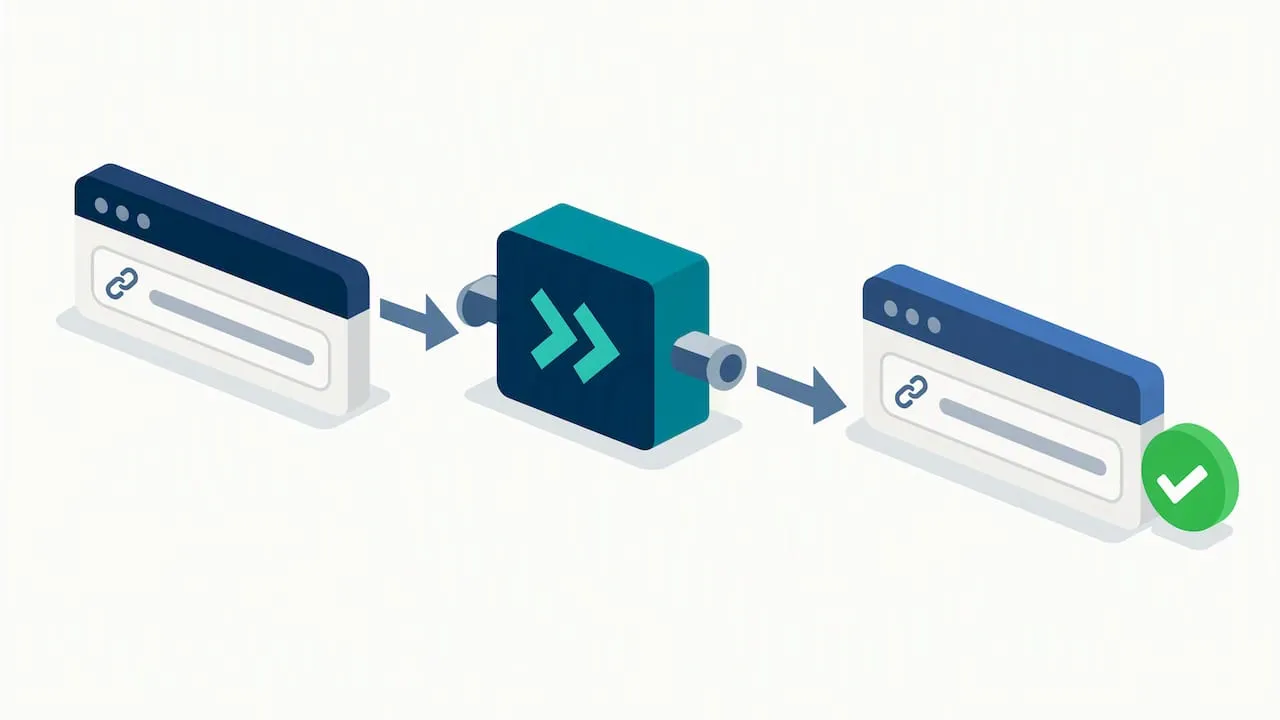
A handle change is worth the risk when the current one is actively hurting you, such as a typo, a product rename that makes the old handle misleading, or a migration from another platform. Outside those cases, leave established handles alone, since every change carries some risk to existing links and rankings.
Where this risk is justified, Shopify’s redirect tooling is the safeguard:
- Go to Content, then Menus, then URL redirects in your Shopify admin.
- Enter the old path and new path as relative URLs, for example
/products/old-handlepointing to/products/new-handle. - Save the redirect; it applies immediately once created.
For larger migrations, Shopify supports bulk redirect import, and developers working through the API can use the redirectNewHandle option so a batch of handle changes carries its redirects with it rather than needing them added one by one.
Once redirects are live, verify the work properly:
- Visit a handful of old URLs directly to confirm they land on the new page rather than a 404.
- Check that the redirect returns a permanent (301) response rather than behaving like a temporary one.
- Update any internal links, menus or collections that still point to the old handle.
- Submit the new URLs in Google Search Console so re-indexing happens faster.
Our guide to protecting product-page traffic covers this verification process in more depth if you are changing handles across a large catalogue.
SEO-friendly naming conventions with examples
Good handles are short, descriptive and use hyphens as the only word separator, which matches Google’s own URL structure guidance that readable, logically structured URLs help both users and search engines understand a page. Google is also clear that this is about understandability, not a ranking guarantee: a tidy URL will not outrank a poorly matched product on its own.
A few pairings make the difference concrete:
/products/mens-leather-walletreads cleanly;/products/mens-genuine-leather-wallet-brown-bifold-2026stuffs in every attribute at once and becomes harder to scan./products/ceramic-coffee-mugis specific without being bloated;/products/mugis too vague once your catalogue has more than one./products/yoga-mat-6mmcaptures one distinguishing attribute; repeating “yoga-mat-non-slip-eco-friendly-6mm-thick” crosses into keyword stuffing.
Hyphens remain the only separator Google recommends for URL word breaks. Google’s documentation treats this as a structural convention rather than a ranking factor, so the benefit is clarity, not a shortcut to page one.
Colour, size and similar options generally belong in variant records rather than the handle itself, unless each variation genuinely has its own standalone product page. A handle should describe the product, not enumerate every option it comes in.
Common pitfalls, a quick audit checklist and recovery steps
Most handle problems trace back to a handful of repeat offenders: duplicate or near-duplicate handles across similar products, a handle changed without a matching redirect, inconsistent conventions between product categories, internal links or menus still pointing at an old path, and bulk-editor saves that silently failed because of an unrelated invalid value.
A short audit catches most of these before they cost you traffic:
- Scan your product list for handles that look auto-incremented (ending in
-1,-2), which usually signals an unintentional duplicate. - Check your URL redirects list against your mapping file to confirm nothing was missed.
- Spot-check menus, collections and any custom theme code for links using an old handle.
- Re-run a bulk save on a small batch to confirm the editor accepted every row, not just the ones without errors.
Where you find a gap, recreate the missing redirect rather than reverting the handle itself: a redirect is close to risk-free, while rolling back a handle that has already been indexed under its new path just creates a second migration to manage. Test the fix live, then update any feeds or menus that still reference the old path.
Author perspective: how EcomEye supports safe, large-scale handle changes
Handle discipline becomes a real operational problem the moment you are publishing dozens or hundreds of product pages at once rather than editing one at a time, which is the situation most growing Shopify catalogues eventually reach.
Our platform at EcomEye generates unique, SEO-ready titles, descriptions and AI product images in bulk from imported product data, built specifically to avoid the duplicate-content problems that come from copying competitor listings. Because every page we generate starts from unique content, it pairs naturally with a consistent handle convention: you are not retrofitting SEO onto pages that already have Google Merchant Center flags against them.
The workflow we recommend is simple: settle on your naming convention first, generate the unique page content, set the handle to match the convention, then publish and create any redirects a change requires. Our guide to bulk editing product pages walks through the mechanics in more detail.
Treat handles as stable identifiers, not marketing copy
A handle’s job is to stay the same, not to look clever: once a product page is indexed and linked, the handle behind it is infrastructure, and infrastructure should move as little as possible.
Exceptions are fine when they are planned rather than reactive, such as a deliberate rebrand or a platform migration where every redirect is mapped in advance. What causes damage is the casual rename, done because a handle “looks better” with no mapping file and no redirect ready to go. Keep a written record of your naming convention and route handle edits through one person or process, so nobody changes a live path without the rest of the team knowing.
— Koen
EcomEye: a faster route to bulk-safe product pages and Shopify export
Most Shopify dropshippers run into trouble not because they chose a bad handle, but because the underlying product page was copied straight from a competitor or an AliExpress listing, which is what triggers duplicate-content penalties and Google Merchant disapprovals in the first place. Fixing handles without fixing that is a half-measure.
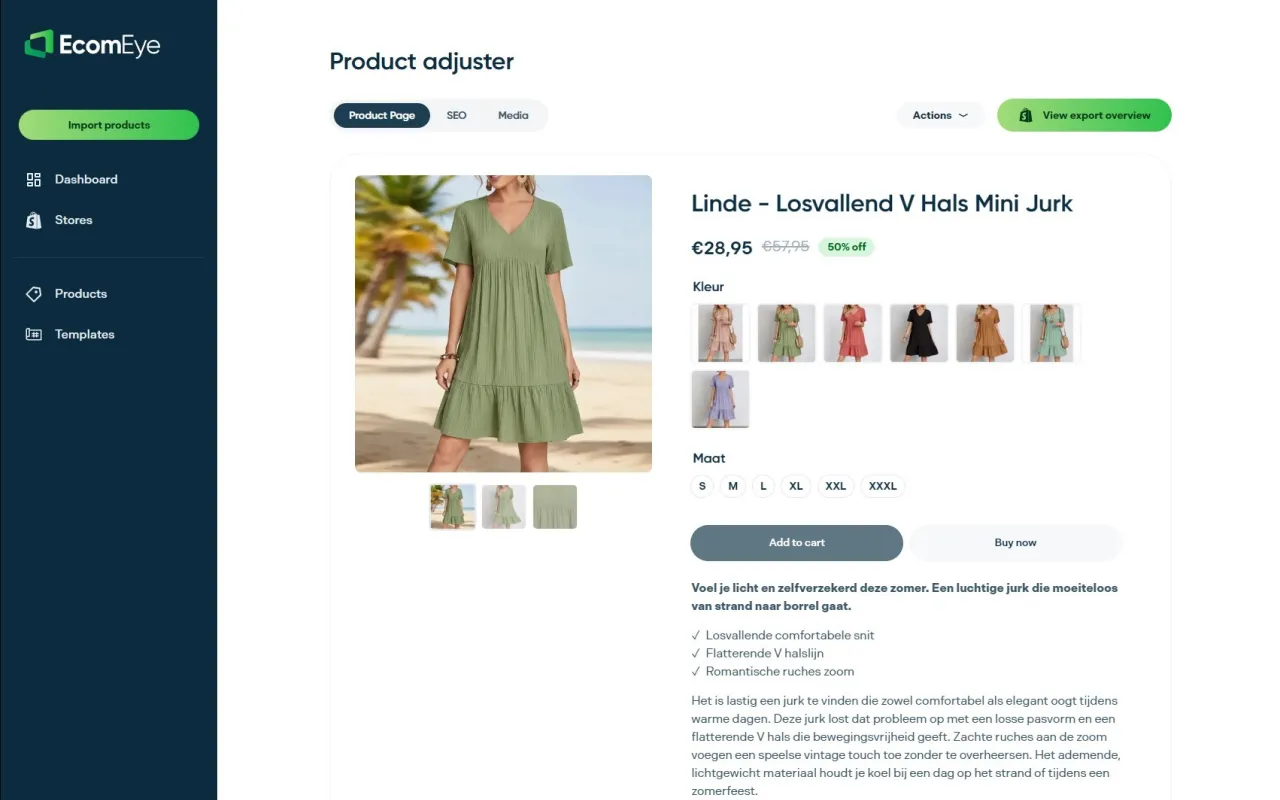
We built EcomEye to close that gap directly:
- Import product data in bulk from AliExpress, Amazon, Temu or competitor Shopify links.
- Generate unique titles, descriptions and AI product images for every item, so no two stores end up with identical pages.
- Export straight to Shopify in one click, ready to receive the handle convention you have settled on.
This suits catalogue migrations, dropshipping stores scaling past a handful of SKUs, and anyone renaming products to clear a Google Merchant compliance flag. If sourcing stock for testing is part of your workflow, a wholesale supplier such as MS EXP SP Z O O is one option worth knowing about alongside your content pipeline.
Our Try-out plan runs €39 a month, and the Scaler plan is €99 a month for stores generating pages at higher volume. Have a look at our pricing page to see which fits your catalogue size.
FAQ
What is a product handle in Shopify?
A product handle is the unique, human-readable part of a product’s web address, appearing after /products/ in the URL. Shopify generates it automatically from the product title, using only lowercase letters, numbers and hyphens.
Is Shopify still worth using in 2026?
Shopify remains a leading platform for merchants running online stores, and its product handle and redirect tools continue to support the URL structure practices described in this guide. Whether it suits you depends on your catalogue size and growth plans rather than any single feature.
What are some catchy Shopify store names?
A good store name is usually short, easy to spell and distinct from existing brands in your niche, but no single format “wins” for every category. Focus the name on what makes your store memorable, then treat your product handles as a separate, purely structural decision.
Does Kim Kardashian use Shopify?
This is not something we can confirm from Shopify’s own documentation or help resources, so it is better treated as unverified rather than stated as fact. For a reader researching handle naming, platform choice by any particular public figure has no bearing on the technical steps covered here.
Sources
Keep Shopify’s developer docs, Help Center pages and Google Search Central’s URL guidance handy for any bulk handle project.
Ready to boost your product pages?
Generate high-converting, SEO-optimized product pages in bulk using AI automation used by e-commerce experts.
No credit card required